選好你要的畫面
透過選單列或快速鍵,擷取區域、視窗或整個螢幕。

Clipture · macOS
專注於截圖、標註和文字辨識的 Mac 工具。捕捉重點,把要分享的內容表達清楚。
在 Mac App Store 下載macOS 14 或更新版本
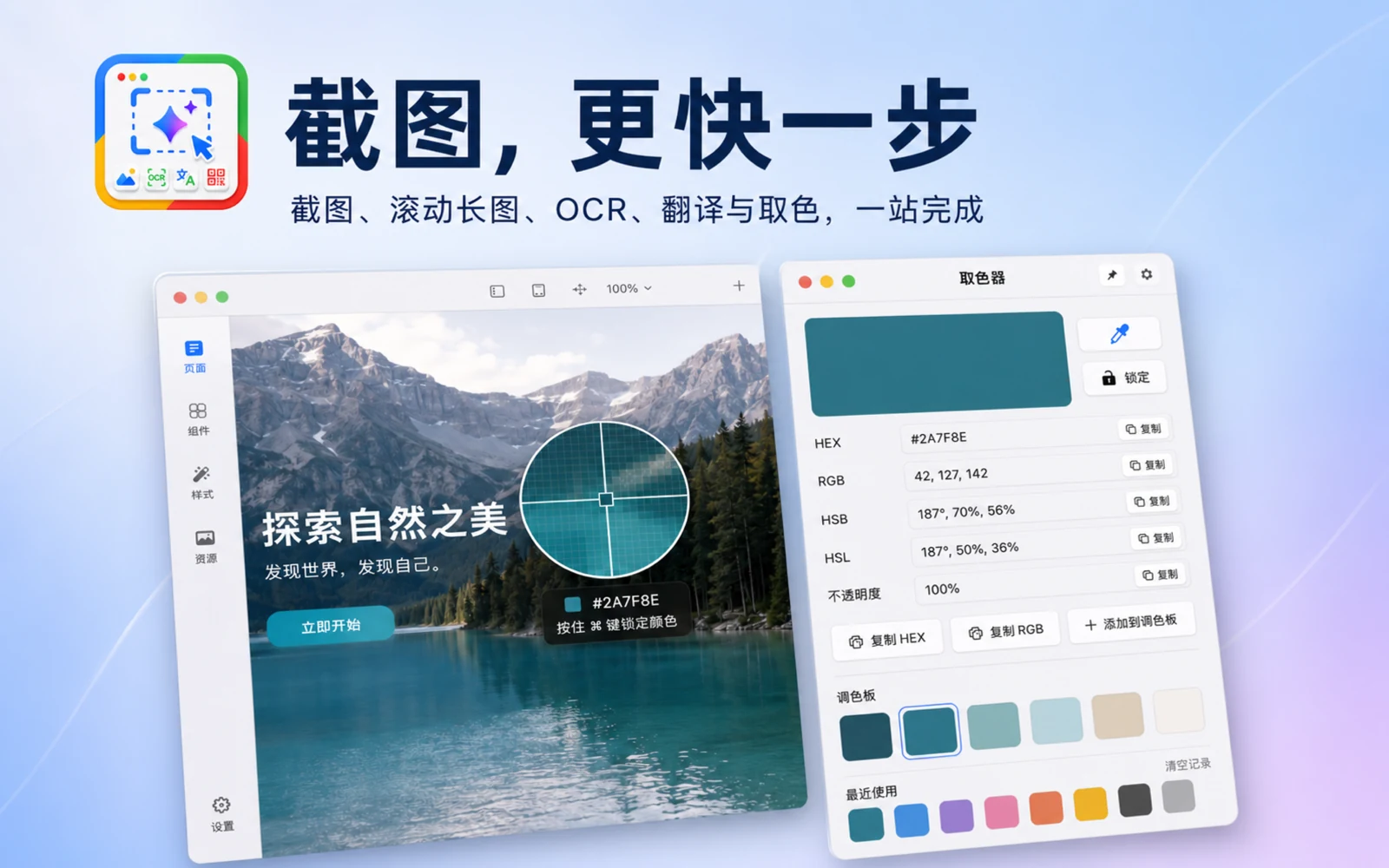
產品圖片保留素材中的原始語言。
Clipture
透過選單列或快速鍵,擷取區域、視窗或整個螢幕。
截圖時加入文字、箭頭、形狀和馬賽克。
在本機辨識圖片文字,直接讀取螢幕中的 QR 碼。
App Store 目前版本
版本資訊與更新說明來自公開 App Store 頁面。
1. OCR now automatically recognizes multiple languages, improving text extraction from mixed-language content. 2. Optimize the screenshot annotation toolbar to support the Liquid Glass style. 3. Fixed window capture coordinate offsets in multi-display environments. 4. Fixed several known usability issues.